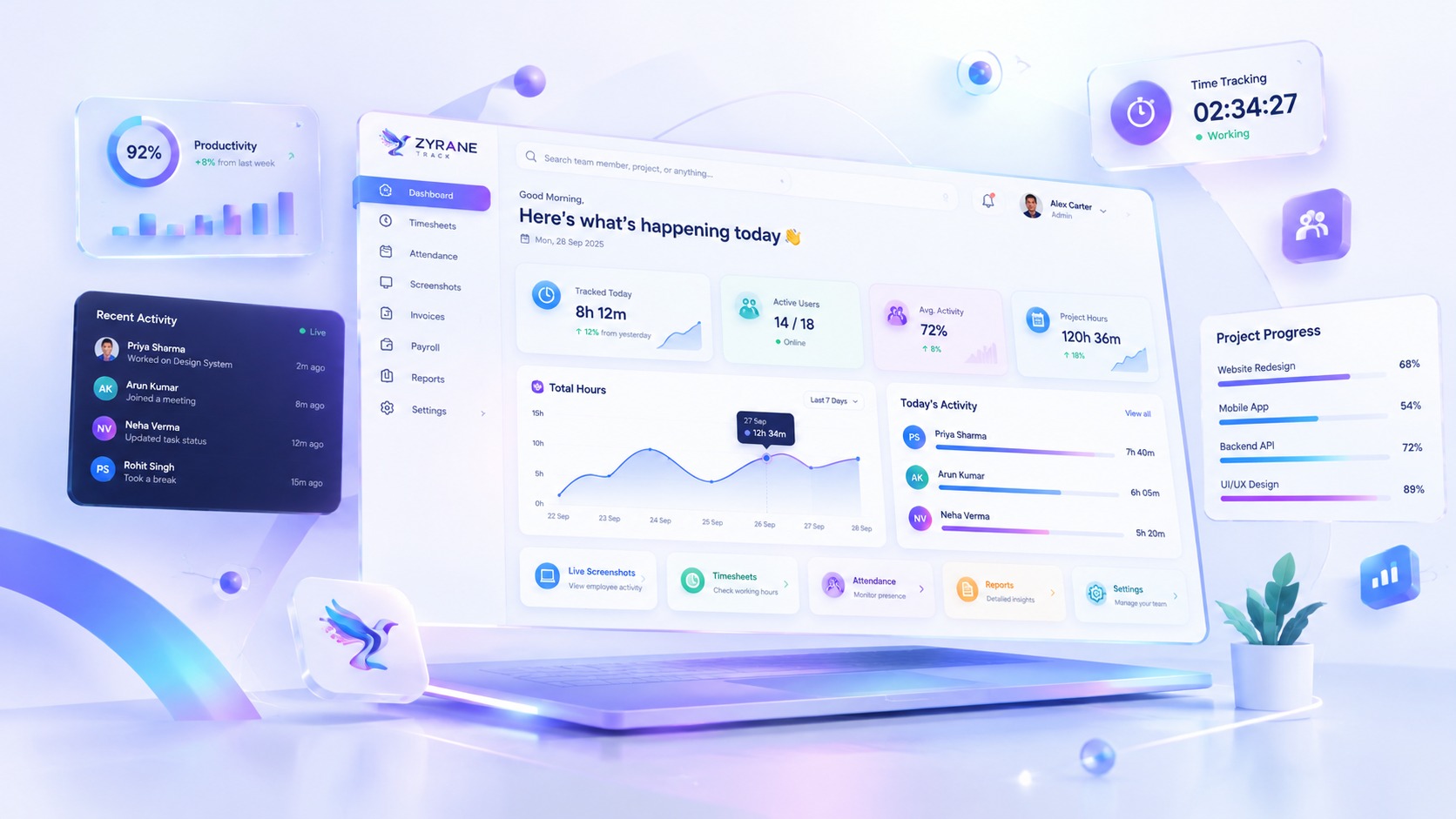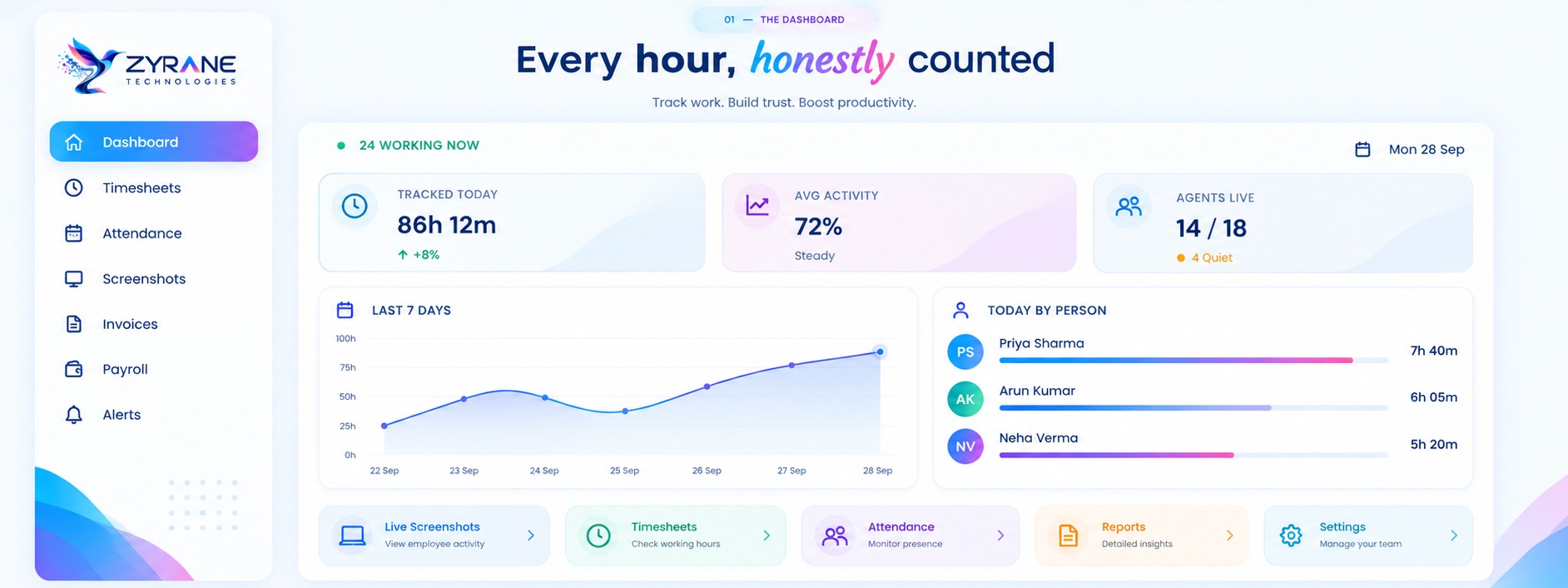
Z Zyrane Track

Self-hostable · Windows agent · Built in India

Time tracking your team can actually live with

Hours, applications and screenshots — with the privacy controls facing the people being tracked, not buried in an admin panel. Run it on our servers or entirely on your own.

No card, no trial timer. We would rather show you the thing.

Monitoring software usually fails for the same reason

It is bought by managers and resented by everyone else. People find the workarounds, the numbers stop meaning anything, and a year later the company is paying for data nobody trusts.

We built this the other way round. The employee can see everything recorded about them, delete screenshots within an allowance, and pause capture for a personal moment. Not because it is generous — because a tool people accept is the only kind that keeps producing honest numbers.

What the agent records

  • How long you worked, and how much you typed and moved
  • Which applications had focus, and for how long
  • Periodic screenshots, stored blurred

What it never records

  • ×What you typed. Counts only, never content
  • ×Anything while the timer is stopped
  • ×Screens from blacklisted apps — your bank, your password manager

Trust Mode

Six things the person being tracked can rely on. Every one of them is enforced in the software rather than promised in a policy document.

Never a keylogger

Keystrokes are counted, never recorded. The agent knows somebody typed 812 times this hour and has no idea what they wrote. That is a property of the code, not a setting somebody can switch off.

Employees see their own data

The same screenshots, hours and activity their manager sees, on a page written for them — including a plain list of what is captured and what never is.

They can delete screenshots

Within a daily allowance you set. The manager sees that a deletion happened and its reason; the image itself is gone from storage and from the CDN edge, not hidden.

Private time

A break that pauses capture without pausing the clock. The duration is still recorded, so nobody has to choose between a personal moment and their hours.

Blur by default

Screenshots are stored blurred. Seeing one clearly takes a typed reason, is written to the audit log, and grants ten minutes of access rather than changing the stored image.

Consent before the first second

The agent will not start tracking until the employee has read your privacy policy and accepted it. Not a checkbox in an onboarding email — a gate in the software.

Or keep the data yourself

Self-hosting is not an enterprise tier here. It is the same product, installed with one command on a server you control — the one your compliance team already signed off on.

  • Screenshots and hours never leave your machine
  • Licences verify offline — no call home, ever
  • Backup and restore scripts included, not sold separately

# on your own server

$ ./install.sh

✓ Docker is available

✓ 4 cores, 8 GB, 200 GB disk

✓ Database ready

✓ Migrations applied

Zyrane Track is running.

The rest of it

Time that survives a bad connection

The agent keeps up to three days of work on the laptop and sends it when the network returns. Chunks carry their own identity, so a retry after two hours offline is recognised rather than counted twice.

Timesheets, approvals and reports

Weekly timesheets with an approval that locks the week — payroll and invoices are built from approved weeks, so a late chunk cannot silently change what was signed off. Manual entries are separate rows with a required reason, never edits to what the agent recorded.

Attendance and leave

A register built from tracked time rather than punches, with work schedules, a holiday calendar, leave types and balances. Present, absent and on-leave are three different things, and payroll reads them that way.

Indian invoicing and payroll

GST invoices with CGST/SGST or IGST decided by place of supply, TDS on taxable value, Rule 46 numbering, and a financial year that runs April to March. Money is integer paise end to end — no floats anywhere in billing.

Alerts that do not cry wolf

One alert per condition, not one per evaluation. Idle streaks, missing agents, a machine that lost a permission — raised once, muted or resolved by a person.

An API and webhooks

A read API with per-organization keys, and signed webhooks for the events that matter. Payloads carry a timestamp inside the signature, so a captured request cannot be replayed later.

Questions people actually ask

Can we run it on our own server? +

Yes, and that is a first-class path rather than an enterprise upsell. One command on a machine with Docker; your data never leaves it. Screenshots go to the local disk instead of a CDN, and the licence is verified offline — the install keeps working if it cannot reach us.

Does it read what employees type? +

No. The input hook counts events and nothing else. There is no code path that captures the content of a keystroke, which is why the claim is worth making at all.

What about a bank site or a password manager? +

You set a blacklist. When a blacklisted application has focus the screenshot is never taken — the decision happens on the employee’s machine, before the image exists. Nothing is captured and then discarded.

Does it work on macOS? +

Not yet. The Windows agent is done. macOS needs Screen Recording and Accessibility permissions that behave differently enough to make it a separate piece of work, and shipping it half-finished would mean silently recording less than an employee thinks it is.

How are browser URLs tracked? +

Through an optional browser extension, because no desktop application can read them reliably. Without it applications are still tracked normally — the extension adds domains, it is not required for the product to work.

Who can see a screenshot? +

The employee it belongs to, and the managers above them. Every unblur is logged with the reason given. Images are served as five-minute signed links, so a URL that leaks is useless within the hour.

Have a look at the real thing

Tell us how your team works and we will show you the product rather than a slide deck — including the screens your employees will see.

Talk to us